
Galaxy S26 Ultra Privacy Display: How Samsung’s Angle-Dimming Screen Protects Your Data in Public
Samsung’s next flagship, the Galaxy S Ultra, will ship with a built-in Privacy Display mode that narrows the screen’s effective viewing cone. Instead of relying on a stick-on film, the phone uses its own OLED layer and software to fade text and images when the device is tilted more than about 30° away from the user’s face. The goal is straightforward: keep passwords, OTP codes, and private messages from being legible to anyone standing or sitting nearby.
What is Privacy Display?
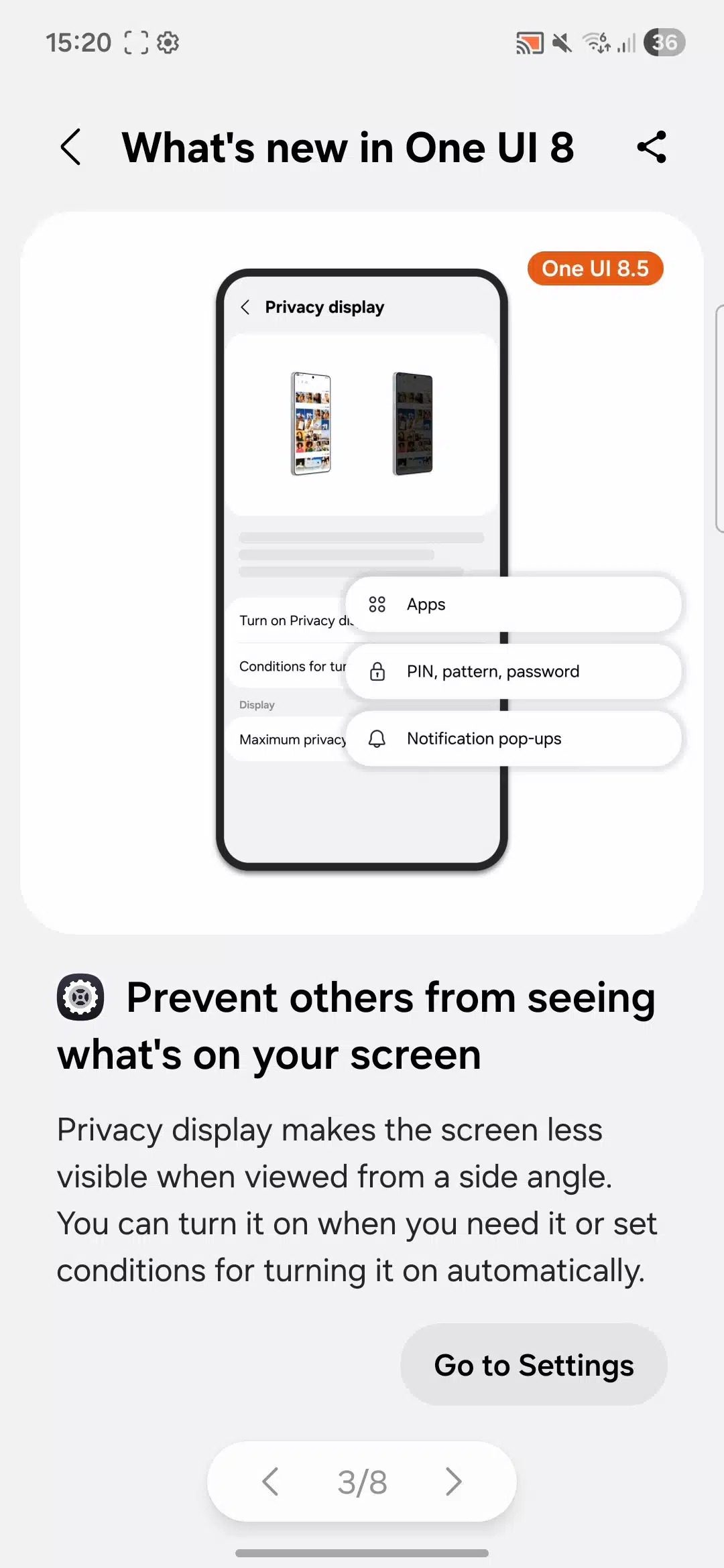
The toggle lives in Settings › Display and can be added to Quick Settings. Once enabled, the panel reduces brightness and scatters sub-pixel alignment for off-axis light, so the screen looks almost charcoal to anyone except the person holding it straight on. Samsung’s own Tips app—accessed by spoofing a test device as an S Ultra—shows the effect in action: head-on view remains crisp, while side angles fade to gray.
Because the dimming is handled by the display driver, the feature can be tied to specific apps—banking, chat, or email—and triggered automatically when those apps open. A floating notification also lets users switch the mode on or off without leaving the current screen.
How Does it Work?
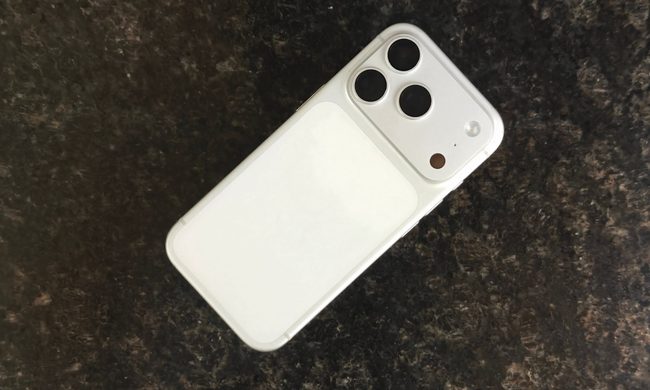
The system combines two parts: a newer Samsung Display OLED that can steer light more narrowly, and software that watches the phone’s accelerometer to decide when someone else may be looking. When the angle threshold is crossed, the driver drops pixel brightness and introduces controlled color shift; straight-on light is unaffected, so the primary user sees no change.
Users can set Privacy Display to activate only for chosen apps, to stay always-on, or to prompt each time the phone detects a crowded environment. A Quick Settings tile offers one-tap override if you need to share the screen deliberately.
The Technology Behind Privacy Display
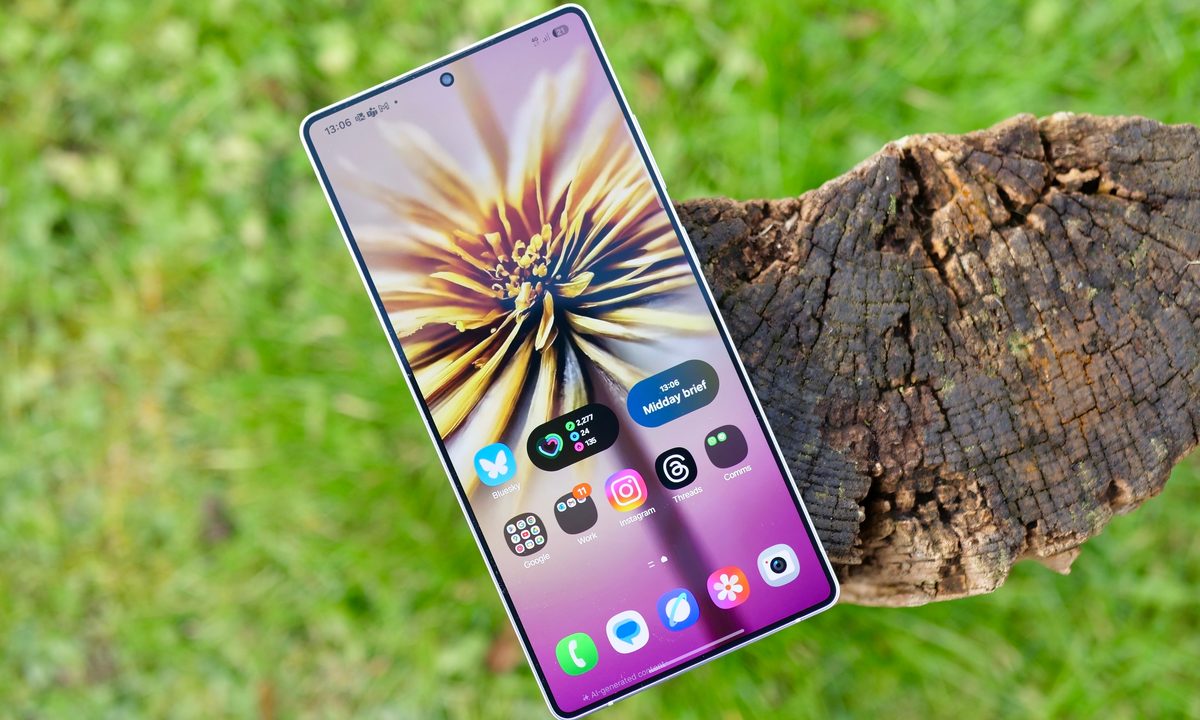
Samsung Display first demonstrated the underlying hardware—internally nicknamed Flex Magic Pixel—at MWC 2024. The panel adds a parallax barrier layer that can be turned on or off in milliseconds. Coupled with the S Ultra’s dedicated display processor, the barrier narrows the emission angle without the bulk or matte finish of a plastic privacy filter.
Because the barrier is software-controlled, it can scale its strength. Full lock-down mode makes the screen almost black from the sides; “mild” mode keeps brightness higher while still masking text. Expect the same panel to appear in Samsung’s enterprise tablets later this year, but the S Ultra is the first consumer phone to ship with the tech enabled out of the box.
Implications for Mobile Security
Shoulder surfing remains one of the simplest ways to steal credentials. A 2023 IBM survey found that 14 % of reported mobile breaches on corporate devices started with visual exposure in public places. By making shoulder surfing impractical, Samsung removes an attack vector without asking users to change behavior or add accessories.
The feature also underscores a broader shift toward software-defined privacy. Hardware kill-switches for cameras and microphones are useful, but they don’t address the screen itself. A programmable viewing angle gives vendors a new lever: future updates could tie the dimming mode to location (auto-enable on trains), time of day, or even the kind of data being typed.
Comparison with Existing Solutions
| Solution | Thickness Added | Viewing Angle Cut | Reversible | Cost |
|---|---|---|---|---|
| Plastic privacy filter | 0.3 mm | ~30° each side | No | $15–40 |
| Third-party tempered-glass filter | 0.5 mm | ~25° each side | No | $25–50 |
| Galaxy S Ultra Privacy Display | 0 mm | Adjustable 15–45° | Yes (software toggle) | Bundled |
Unlike stick-on filters, Samsung’s approach adds no thickness, leaves the front camera untouched, and can be disabled instantly when you need to show photos to friends. The trade-off is power: the parallax layer cuts maximum brightness by roughly 8 %, though Samsung claims the phone’s automatic brightness curve compensates so users won’t notice in daylight.
Future Developments and Expectations
Samsung has already submitted a specification to the Universal Stylus Initiative that would let Privacy Display activate only on the quadrant of the screen that holds a signature or password field, leaving the rest of the panel at full brightness. If adopted, the same API could let other Android OEMs hook into the feature without custom hardware.
Meanwhile, rumors suggest Apple is testing a similar narrow-view OLED for the 2027 iPhone lineup. If that happens, angle-based privacy could move from flagship extra to industry standard within two product cycles—much like fingerprint readers after the iPhone 5s or high-refresh screens after the Razer Phone.
Until then, the S Ultra offers the most integrated solution on the market: no films to bubble, no loss in clarity for the primary user, and a kill-switch that lives right beside Wi-Fi and Bluetooth toggles. For anyone who regularly works on trains, cafés, or airport lounges, that convenience alone may justify the upgrade.

